Online audience
Tell us what picture and sound you want to transmit and the schedule you have in mind. We can help you choose a platform and plan recording or editing if you need those too.
Ask about a live stream Get a quote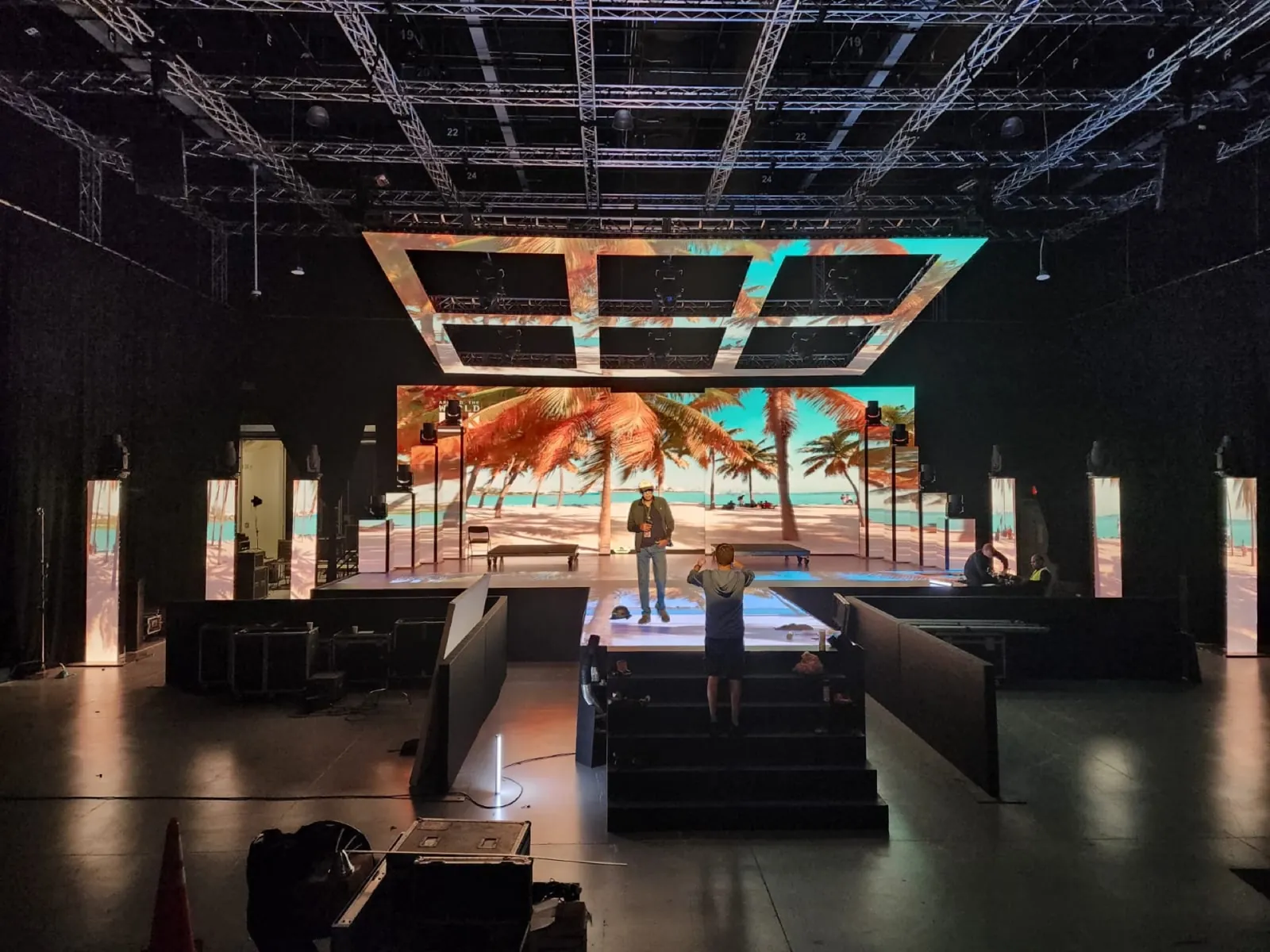
CAMERAS · SWITCHING · STREAMING
Camera-ready LED, switching, playback, recording and streaming systems for broadcasts, corporate events and live shows.
For a hybrid conference, we plan what the people in the room see and hear, what remote speakers receive, and which camera, presentation and audio feeds reach the online audience. Recording and streaming destinations are agreed before the event.
Hire equipment only, add operators or ask us to coordinate the video, audio and streaming systems for the event.
Start with your audience and the part you need help with. You can ask before the platform, room or equipment list is final.
Tell us what picture and sound you want to transmit and the schedule you have in mind. We can help you choose a platform and plan recording or editing if you need those too.
Ask about a live streamDescribe the room screens, remote speakers and audience questions. We agree on the feeds each group receives and time for a rehearsal.
Ask about a hybrid eventYou can add equipment or operators to your crew’s cameras, sound or production system. We review the connections together and test how each feed fits into the setup.
Ask about support for your systemFor Telemundo’s Bienvenido 2024, GLMedia supplied LED, staging, audio, lighting and technical operation. See the setup and our team’s work on the project page.
See the work →We start with what you want to show and the equipment you already have. With your production team and venue, we plan feeds, connectivity, rehearsals and recording delivery. You can choose individual equipment or combine setup and operation.
| Part of the job | What we can prepare | Details we review together |
|---|---|---|
| Picture and sound | Cameras, switching, stream audio and return feeds for participants. | Screen destinations, microphones, room-sound operation and the feeds coming from each system. |
| Internet and backup | Encoder connection, network tests and backup connectivity options. | Venue network contact, wired access, upload capacity, restrictions and backup connection options. |
| Platform and account | Encoding and transmission settings for the selected platform. | Platform, streaming account and operating access through an agreed channel. We can help you work through these choices from the first inquiry. |
| Remote speakers and rehearsal | Return picture and sound, and operation of remote contributions. | Agenda, guest availability, presentation files, who gives cues and rehearsal time with the actual participants. |
| Recording and delivery | Program recording, individual camera tracks and preparation of the files you need. | Finished program or individual camera files, format, delivery date and editing if you need it. |
TECHNICAL DETAILS
Technical questions
Test the wall with the camera, lens and framing planned for the shoot. Pixel pitch and camera distance affect the choice of screen; refresh rate, scan behavior, shutter, frame rate, brightness and processor settings also need checking together. We look for scan lines, moiré and color differences with the camera and video teams. A useful test includes the intended angles and movement, not just a static image viewed from the room.
Playback supplies presentations, video and scenic content to the LED wall. The switcher selects cameras, remote guests and graphics for the program feed. We plan the signal flow, formats, audio, encoding, recording, monitoring and network checks so each destination receives the right output. Operators share a cueing and communication plan, with backup paths for critical playback and transmission components when the production risk warrants them.
We test sources, outputs and return paths for the cameras, lenses, intercom, audio feeds, graphics, playback, LED processors, switcher outputs, recording systems, encoders, network connections and remote contributors included in the production. Checks cover resolution, frame rate, synchronization, color, audio delay and monitoring. A rehearsal confirms cues and identifies where fallback sources are needed. We document the operating plan and agree on testing time before the broadcast so the team can address issues before going live.
Yes. You can rent LED, cameras, playback, switching or streaming equipment and add operators. We can also coordinate technical production with staging, lighting, intercom, recording, crew and specialist resources. We integrate the systems with your team and plan connections and testing around your program. To prepare the setup, we review venue requirements, access, power, rigging, crew and schedule with your production team and venue, then propose a configuration and working hours suited to the space.
Start with the date, venue and what you want people in the room and online to see and hear. Send the agenda you have, even if it is still a draft, and flag any remote speakers or audience questions. Tell us which platform you plan to use and what recording you need afterward. You do not need to choose the camera or switcher models first. With that information, we can plan the feeds, microphones, returns and operators. Before the event, we also need to agree on internet service, platform access and time to rehearse with the people taking part.
You can choose equipment delivery, setup and testing, or add an operator for the program. We plan crew time around rehearsal, doors-open and end times. If your crew will operate the system, we prepare the handover and arrange the support they need.
Tell us which platform you want to use; we can also help you choose one. We review the streaming account, access, resolution, format and audio to select the encoder. We include remote guests or recording in the signal plan when needed. Before the event, we test the venue connection and stream, and plan operation with your team.
Cameras, computers, televisions and electronic props. Inquiries and rentals through GLMedia.
You can add cameras to an LED screen rental to show the event in the room, stream it live or record it. Capture is quoted as an option with the equipment and operators you need. For recording, we choose between the finished program with camera cuts and graphics, or individual camera files for later editing. We plan cameras, switching, audio, operators, file format and delivery; editing can be arranged as an additional service.
First, we test the connection from the event room to the selected platform. We check upload capacity, stability, network restrictions and encoder settings: download speed alone does not tell us whether a stream will be stable. With the hotel, we review wired service, dedicated connectivity and backup options. Guest Wi-Fi is an option only if these tests confirm it can support the planned stream.
Yes. We prepare return feeds so the remote speaker can hear the room and see the people or presentation. We review the platform, number of remote guests, room microphones and video return with you. The audio sent back excludes the guest’s own voice, commonly called mix-minus. We also check speaker and microphone placement to control acoustic echo. We rehearse with the guest’s actual computer, camera, microphone and connection, including slides or videos they will share.
We plan rehearsal around the program and the availability of the room and participants. Share the agenda, speaker list, presentations, videos and remote contributions you already have. Along with testing equipment, we rehearse speaker entrances, videos with sound, remote handoffs and audience questions. We walk through those transitions and agree on who gives each cue. The quote includes rehearsal time and crew hours; if you need a rehearsal on another day, we add it to the plan.
PROJECT INQUIRY
In Contact, you will find this page as your live video and streaming reference; you can change or remove it. Enter your name, email and message to send an inquiry. The date, platform and equipment can remain undecided: tell us your idea and we can develop it with you.
You can attach an agenda, rider or diagram in JPG, PNG, WebP or PDF: up to 3 files, up to 4 MB each and 10 MB in total. For other formats or larger files, share a link or contact us by email or WhatsApp. To start, tell us what you want to show in the room or online and whether you need a recording.
You can choose whether Google Analytics and Google Ads measure visits and actions on this page. Service information and inquiry links work with either choice.
You have not chosen yet: the measurement tag will not load on this page until you accept.