Yamaha DM7/DM7 Compact · E0 · 09/2026 · Reference manual
E0 edition covering operation, routing, scenes and files. Check DM7 Compact model differences and the installed version before using a feature.
 Get a quote
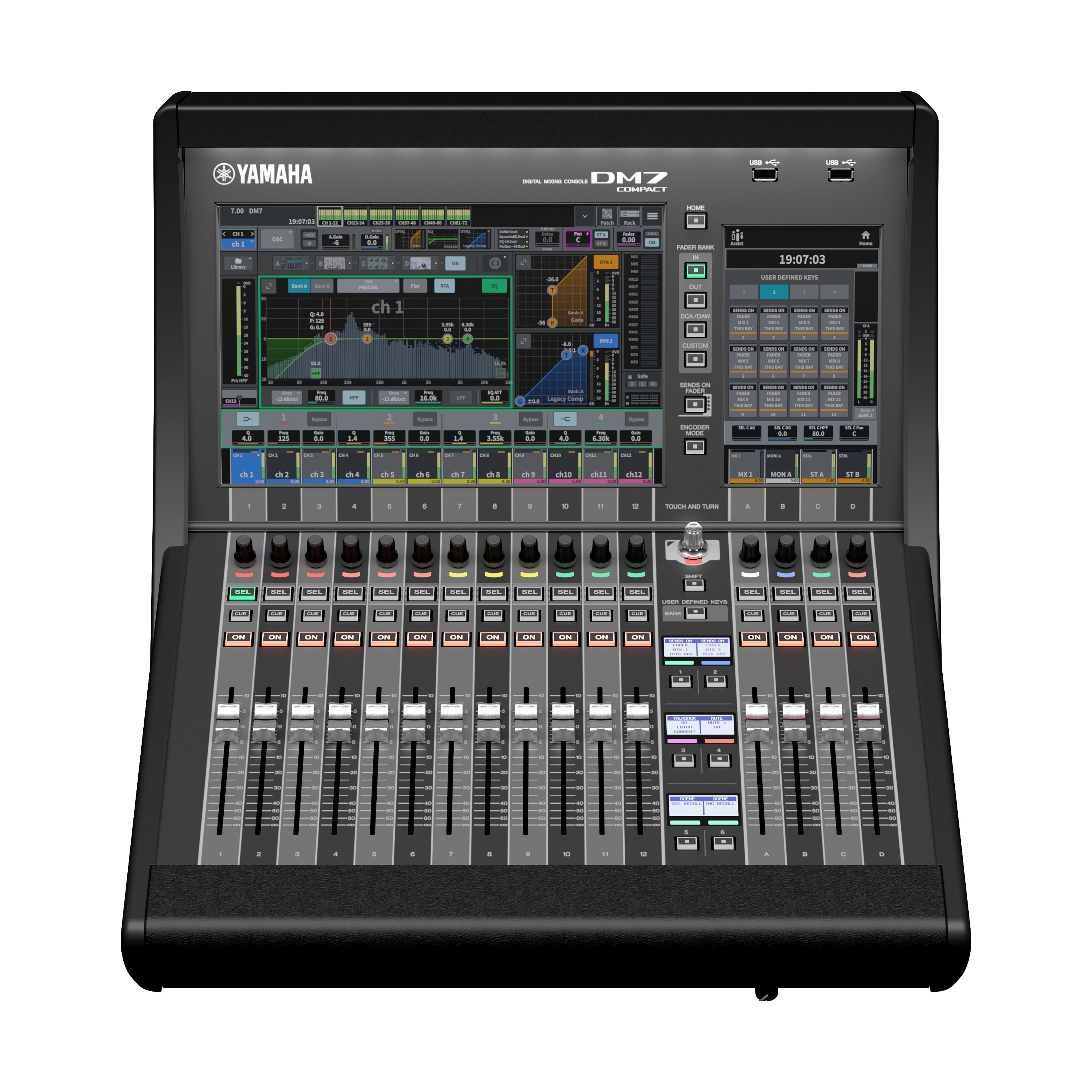
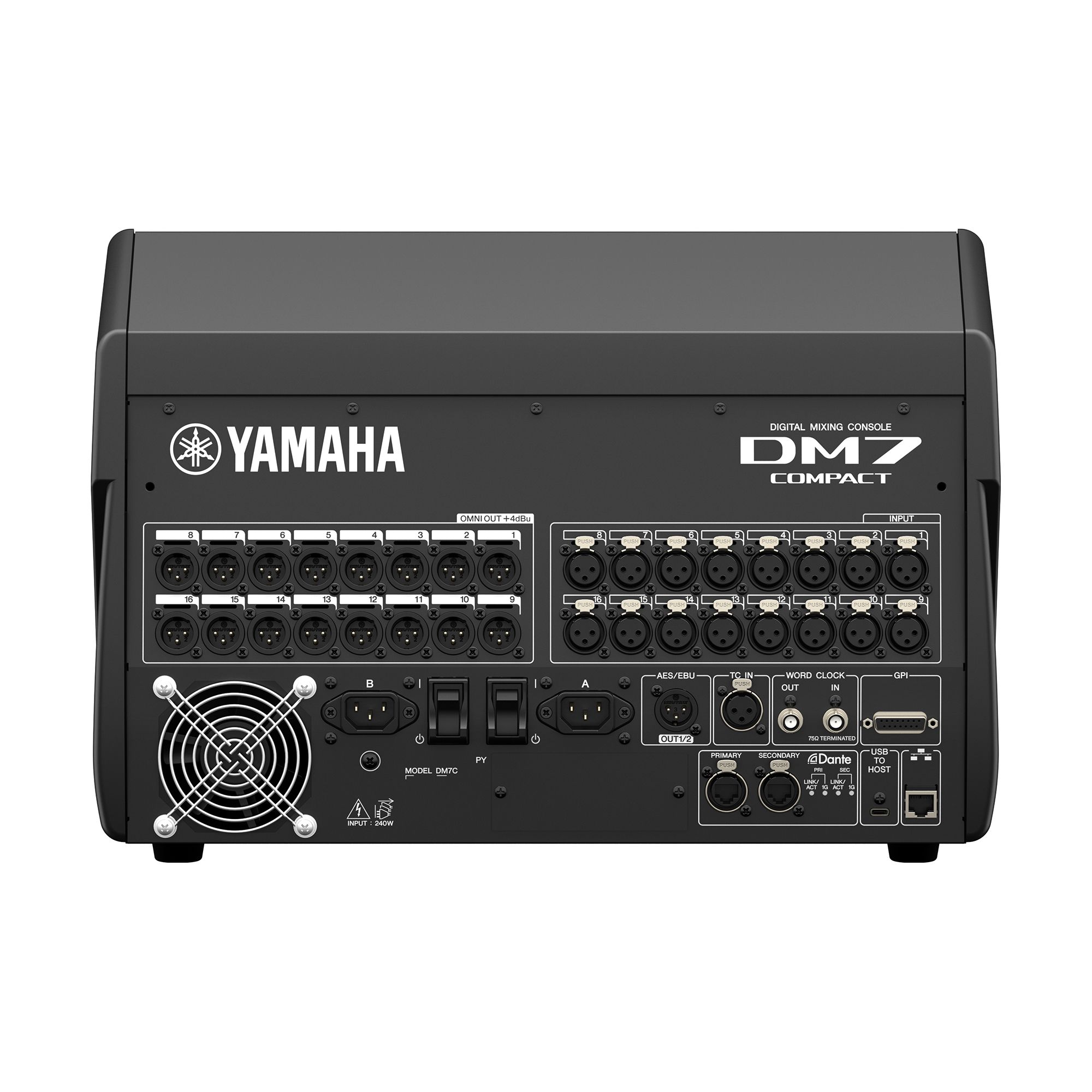
Define independent mixes and verify the Compact network before the conference.
You can start with connection photos, the event program or a preliminary diagram. You do not need a final model or patch list.
Tell us the expected voices, instruments and playback sources, and what the house, stage, remote guests and recording need to hear. If the program changes, tell us who will operate scene recalls.
GLMedia is an event production company. We can assess rental, purchase, integration or technical assistance, including scene preparation and operation within the agreed scope. Configuration, availability and terms are confirmed in the proposal.
DM7 Compact mixes 72 mono inputs; it is not the 120-input full-size DM7. Mixing channels, local sockets and Dante channels are separate resources. Record console/Dante firmware, rack, cards and enabled options before selecting by source count. A supported remote rack can relocate I/O without unlimited mix capacity.
We can compare the Compact, full-size DM7 or another mixer, together with the rack or interface, scene preparation and operation. Start with the date, venue, approximate number of voices and audio destinations; we confirm components, options and necessary tests in the proposal.
No. Check subscription, format/clock and model-specific input/output patch; listen at every destination.
One scene may be enough if routing and recall scope are defined. For substantial changes, prepare the scenes and rehearse a controlled return to the previous configuration.
23/10/2026
Is an explanation missing, did you find an error, or did you solve something differently? Tell us on WhatsApp.
WhatsApp opens with an editable draft. Review it and send it if you choose. Do not include passwords, keys or client information. Contributions are reviewed before being added to guides; they are not published automatically.
E0 edition covering operation, routing, scenes and files. Check DM7 Compact model differences and the installed version before using a feature.
Family overview and comparison of DM7 and DM7 Compact. Console, expansion controller and optional packages are different components.