
Design · Content · Operation
LED content map
Build the screen’s pixel map and see how your file fits.
Enter the cabinet dimensions and pixel counts from your model’s data sheet. Set the rows and columns, then compare framing before preparing the final content.
Enter the screen and file dimensions
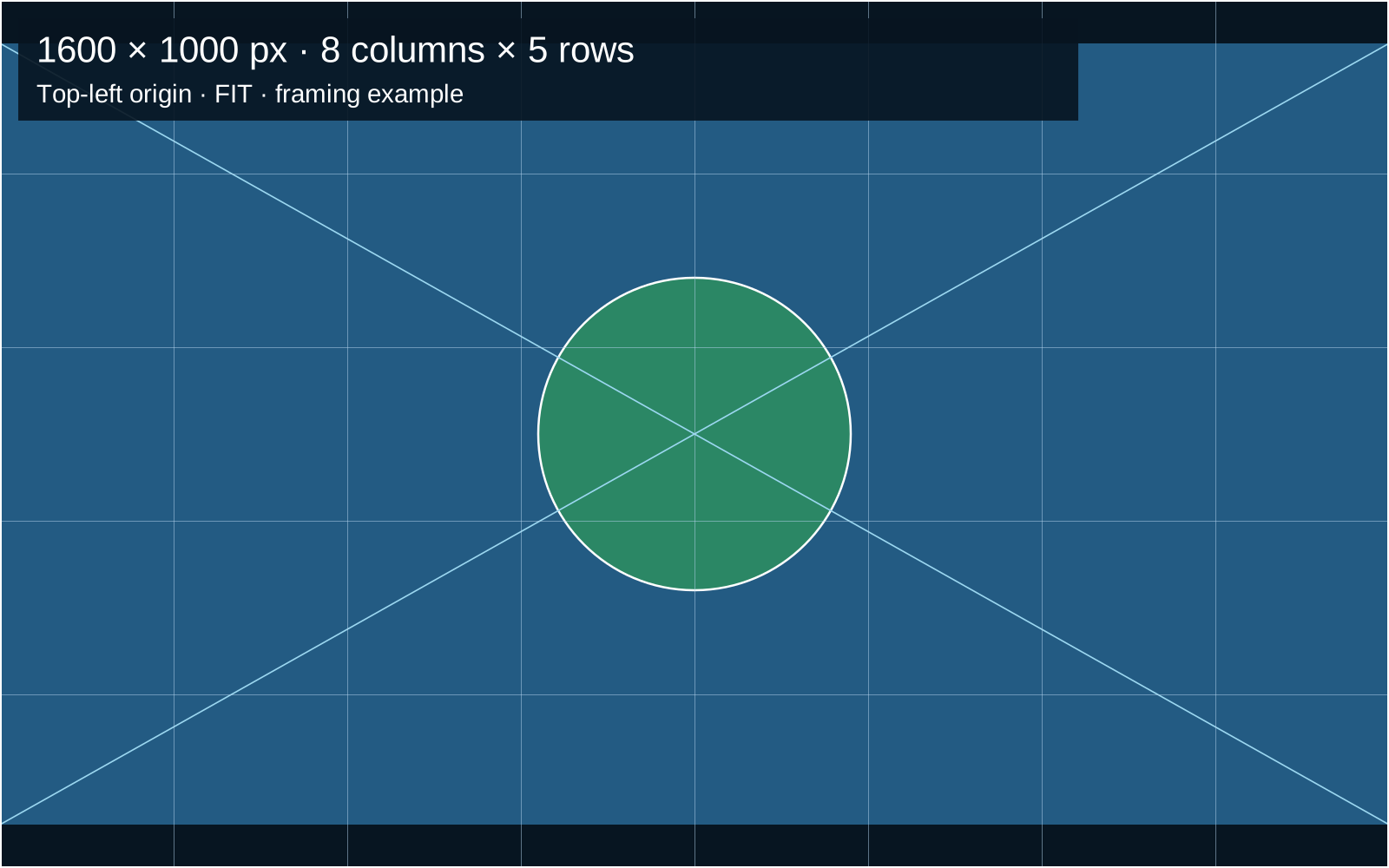
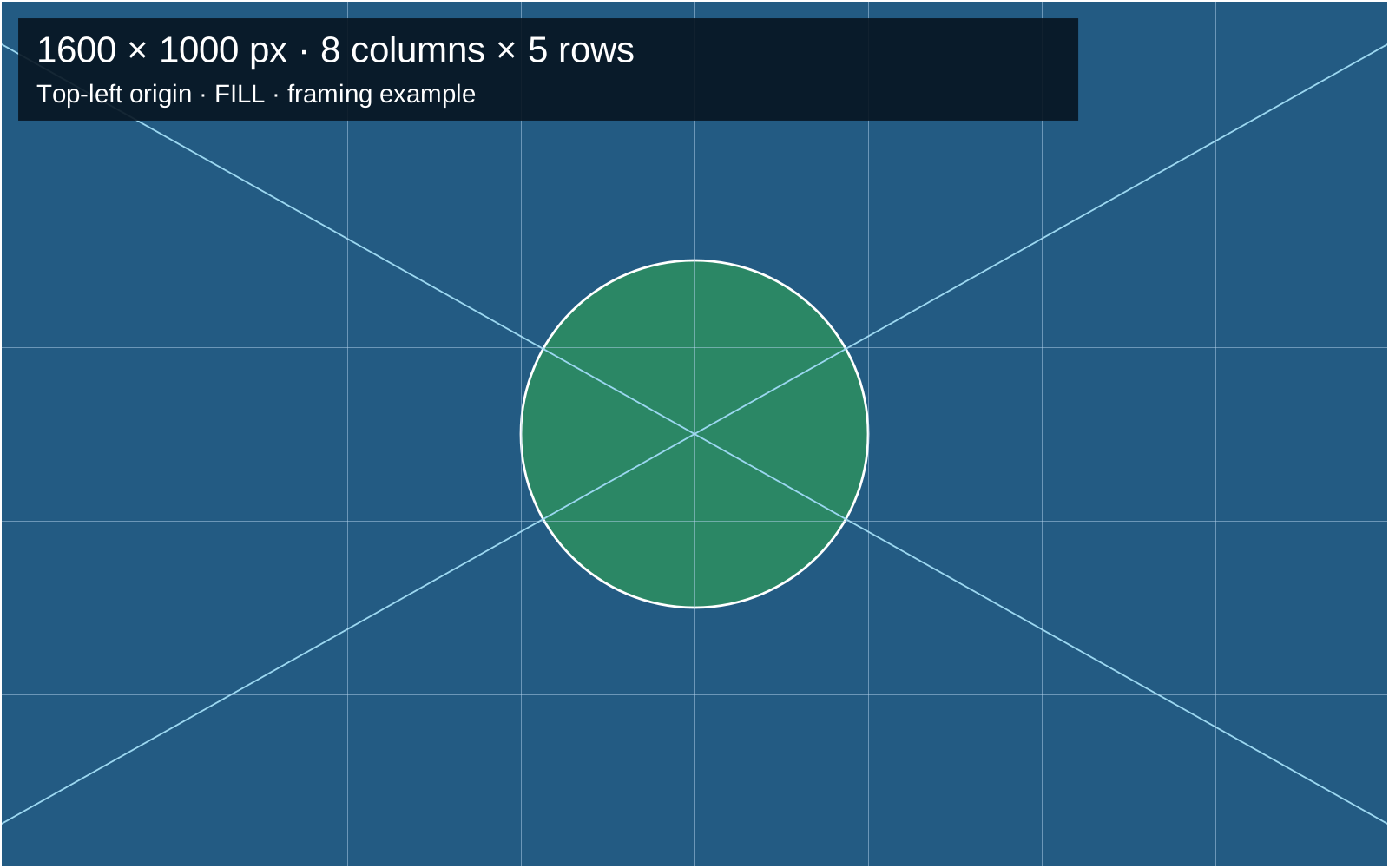
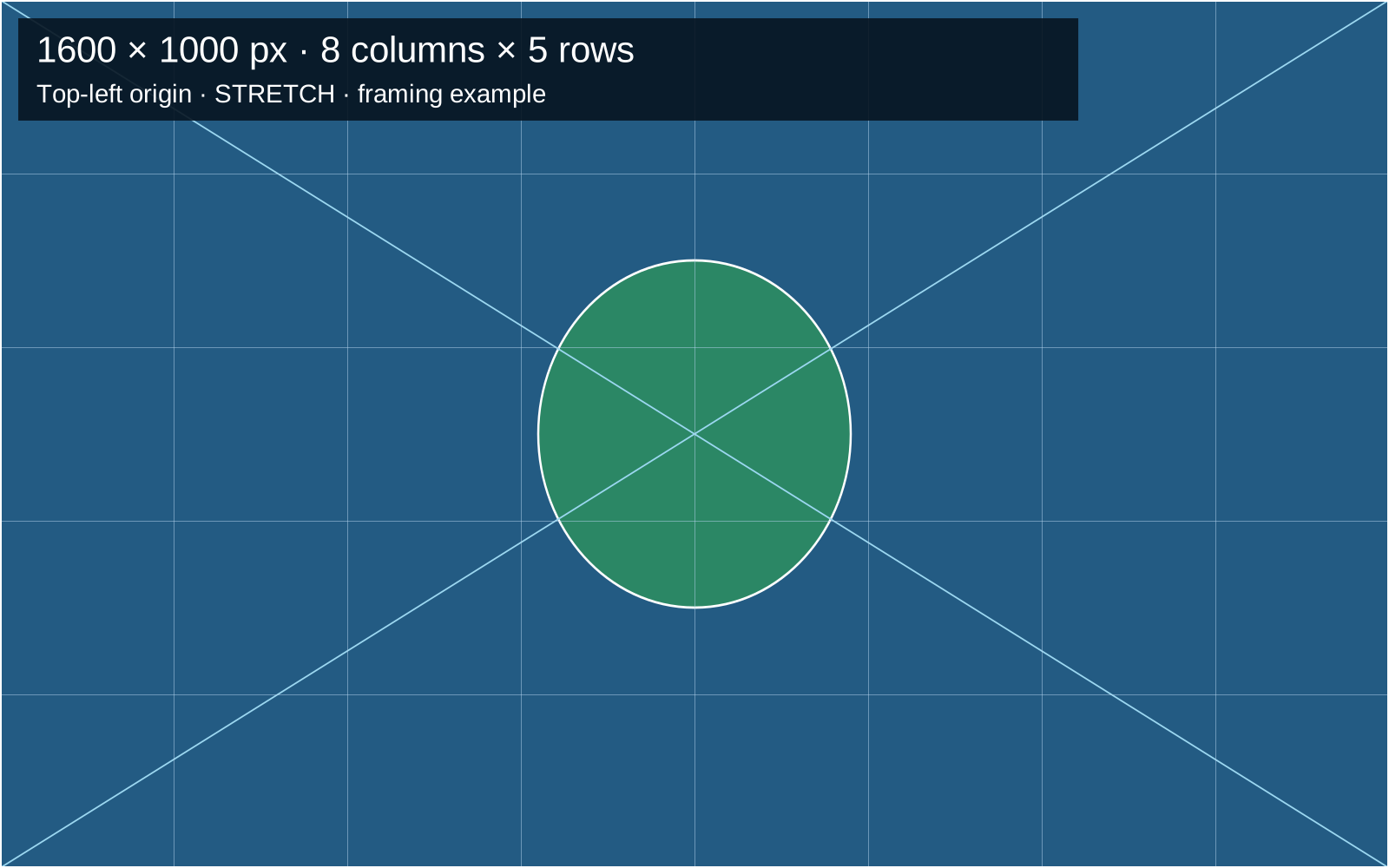
How Fit, Fill and Stretch differ
Fit preserves the aspect ratio and shows the entire image, which may leave empty bands. Fill preserves the aspect ratio and fills the matrix, cropping the excess. Stretch scales width and height independently and may distort text, logos and faces. These modes are described in Resolume, Transform → Slice Transform → Scaling.
In the 8 × 5 example, the screen measures 4 × 2.5 m and has a 1600 × 1000 pixel matrix. A 1920 × 1080 file occupies 1600 × 900 pixels with Fit, leaving 50 pixels above and 50 below. With Fill, the centered crop removes the equivalent of 96 pixels from each side of the original file. These figures describe geometry; test the final content on the event system.
Then test what the audience needs to read
A file that fits may still contain a table or subtitle that is hard to read. Test the most demanding slide from the back and sides of the room. Check camera framing too if the event will be recorded or streamed.
Keep the map as a design reference. Confirm capacity, input format and output mapping in the processor manual, and plan cabling with the LED technician. For screen size, pixel pitch and position, see the video and screens guide.
Measurement is off · change preference
You can choose whether Google Analytics and Google Ads measure visits and actions on this page. Service information and inquiry links work with either choice.
You have not chosen yet: the measurement tag will not load on this page until you accept.